JPG to URL: Convert a JPG Image to a Link in Seconds
September 29, 2026 · GetImgURL
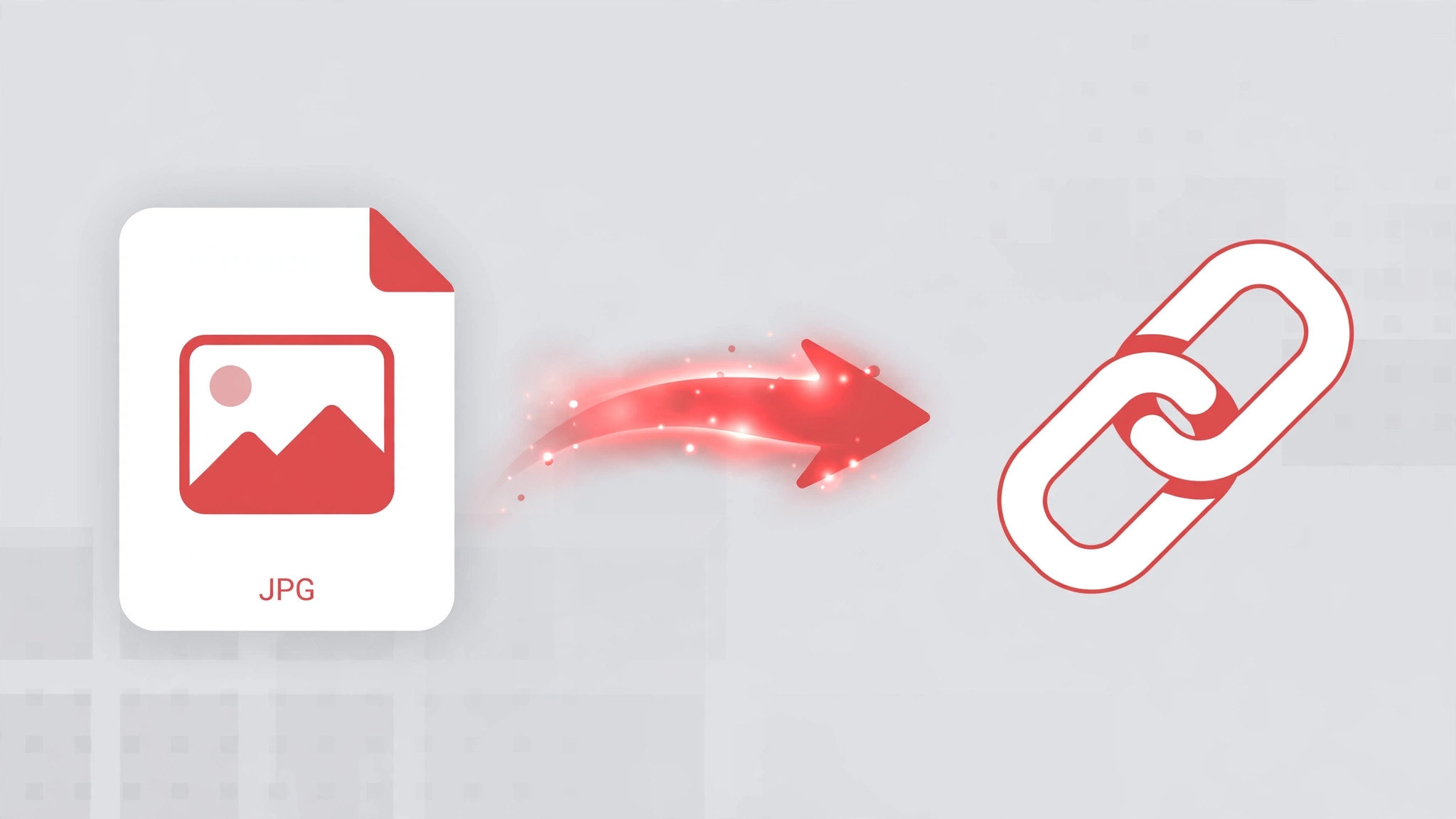
JPG is the world's most common photo format — your phone camera, your screenshot folder, and half the images on the web are JPGs. Sooner or later you'll need to share one as a link instead of a file. Converting a JPG to a URL takes seconds, and this guide shows you exactly how.
When JPG Is the Right Format
JPG (or JPEG — same thing) uses smart compression that keeps photographic images small without visible quality loss. It's the best choice for:
- Photos from your phone or camera
- Product shots and portraits
- Social media images and blog photos
- Any image with lots of colors and gradients
If you're working with screenshots, logos, or graphics with sharp text and transparency, converting a PNG to a URL may serve you better. For everything photographic, JPG is king.
How to Convert JPG to URL in 3 Steps
Step 1: Upload your JPG
Head to GetImgURL's free image to URL converter. Drag your JPG into the upload area, click to browse your files, or paste it directly from your clipboard with Ctrl+V. Files up to 10MB are supported, and you don't need an account.
Step 2: Get your link
Your JPG is converted to a URL instantly. Copy the result as a direct link, an HTML <img> snippet, or Markdown — whatever fits where you're sharing it.
Step 3: Share it anywhere
Paste the link into a chat, email, forum post, document, or website. Anyone who opens it sees your JPG right in their browser.
What Can You Do With a JPG Link?
A JPG URL is more versatile than the file sitting on your hard drive:
- Share photos without attachments. Send a link in a text or email instead of a heavy file.
- Embed images in web pages. Use the HTML snippet to display your JPG on any site or blog.
- Post in forums and docs. Markdown-ready links drop straight into GitHub, Reddit, Notion, and Discord.
- Speed up collaboration. Share a design mockup or photo with a client in one click.
For the full walkthrough with more use cases, see our complete guide to converting images to URLs.
Tip: Compress Your JPG First If It's Too Large
Phone photos can easily exceed 10MB, especially at full resolution. If your JPG won't upload, shrink it first with GetImgURL's free image compressor — it runs entirely in your browser, so your photo never leaves your device during compression. Then convert the smaller file to a URL.
JPG vs Other Image Formats: A Quick Cheat Sheet
Not sure whether your file should stay a JPG? Here's how it stacks up:
| Format | Best for | File size | Transparency |
|---|---|---|---|
| JPG | Photos, camera shots | Small | No |
| PNG | Screenshots, logos, text graphics | Large | Yes |
| WEBP | Web images, modern browsers | Very small | Yes |
| GIF | Short animations | Medium | Limited |
If your image is a photograph, JPG is almost always the right call. If it has sharp text or needs a transparent background, convert it first — GetImgURL's free image converter handles that right in your browser — then generate the URL.
Converting JPG to URL on Your Phone
No desktop needed. On mobile:
- Open GetImgURL's image to URL converter in your phone browser.
- Tap the upload area and choose Photo Library (iPhone) or Files (Android).
- Pick your JPG, then copy the generated link.
The whole process works in mobile Safari and Chrome.
Common Mistakes When Sharing JPGs as Links
- Uploading the full 20MB original. Phone cameras produce huge files. If your JPG is over 10MB, compress it first — the link will load instantly and your recipient's phone will thank you.
- Screenshotting a JPG and re-uploading. Every screenshot-save cycle can degrade quality. Always upload the original file when you have it.
- Sharing a viewer page instead of the direct link. For embedding in
<img>tags or Markdown, always use the direct image URL — it loads faster and works everywhere embeds are accepted.
Frequently Asked Questions
Is JPG the same as JPEG?
Yes. JPG and JPEG are the same format — JPG is just the three-letter file extension from the era when extensions were limited to three characters. A .jpg and a .jpeg file work identically.
Will converting my JPG to a URL reduce its quality?
No. The conversion doesn't recompress your image — the file you upload is the file people see when they open the link.
Can I convert multiple JPGs to URLs at once?
You can upload images one at a time and collect each link. For a batch of photos, convert them individually and paste the links together wherever you're sharing.
Do I need an account to convert JPG to URL?
No. GetImgURL's converter is completely free with no signup — upload your JPG and get the link immediately.
Can search engines index my JPG link?
The link itself is a direct image file, not a web page, so there's nothing for Google to index as content. If you want the image to support your site's SEO, embed it in a page with descriptive alt text instead of sharing the raw link.
Turn Your JPG Into a Link Now
Whether it's a vacation photo, a product shot, or a quick screenshot saved as JPG, sharing it as a URL is faster than sending the file. Upload, copy, share — done in under a minute.
Convert your JPG to a URL now — free, no signup needed.
Try it right now — free, no sign-up
Upload an image and get a shareable link in seconds.
Convert image to URL